Shelf
Widgets
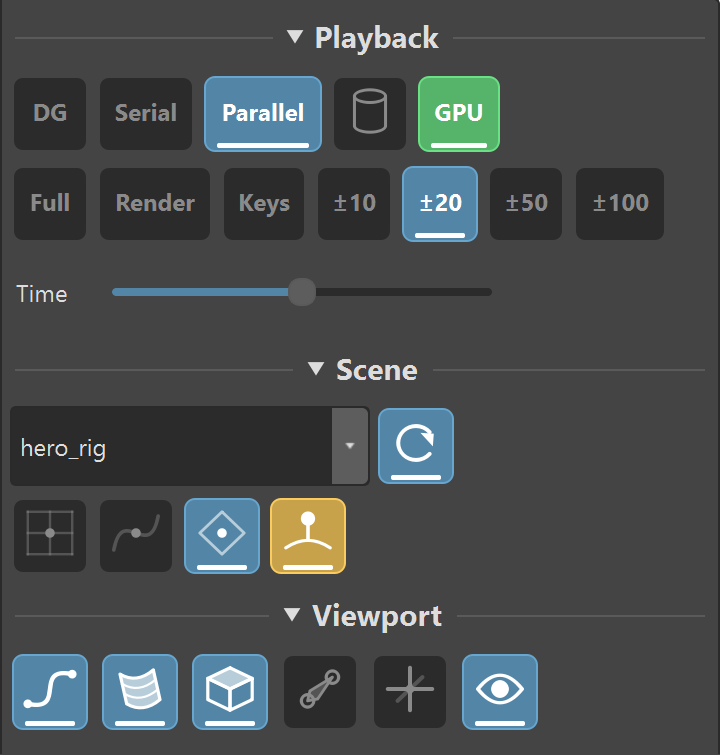
Every widget in this library on one shelf, grouped into Playback, Scene and Viewport. Take the lot rather than importing them one at a time — the individual downloads below are the same buttons.
3 sections · 11 widgets · Python
Shared by Two Dollar Tools
Download
Shelf
Toolkit
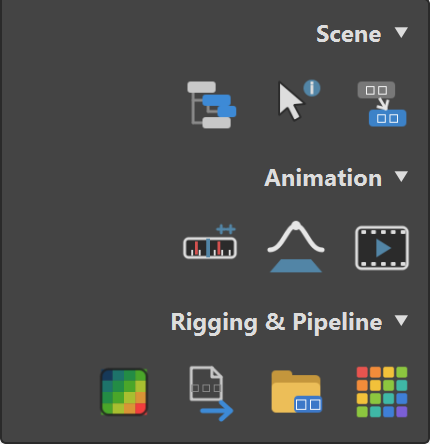
A button for every tool in the box, grouped the way the Tools menu groups them — Scene, Animation, Rigging & Pipeline — with a second tab for themes and a reload. One click to whichever tool you want open.
2 tabs · 4 sections · 17 buttons · Python
Shared by Two Dollar Tools
Download
Shelf
Maya Shelves
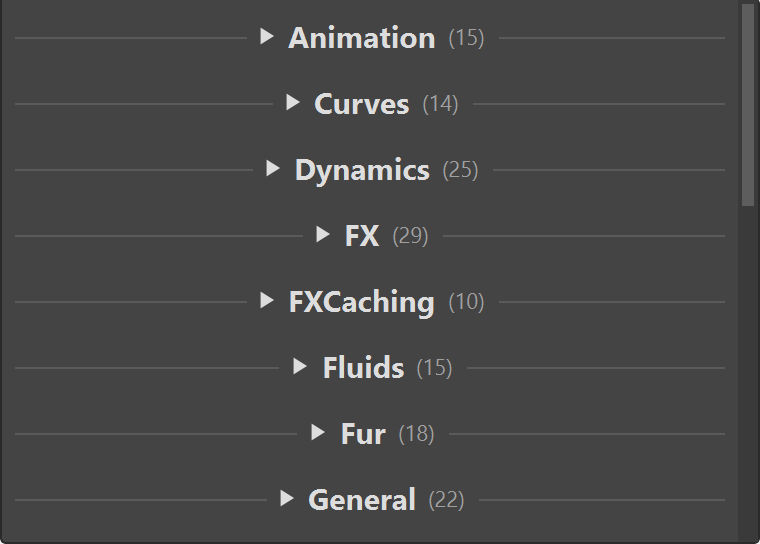
Every shelf that ships with Maya — Animation, Polygons, Rigging, FX and seventeen more — on one tab, each under a section of its own, with every label, icon and command intact. Everything arrives folded, so you open the one you want and the rest stay out of the way.
21 sections · 482 buttons · Maya's own MEL
Shared by Two Dollar Tools
Download
Theme
Teal Night
Navy-charcoal panels with a teal accent, bright enough to find a selected tab across the room. Built on Maya Dark, so anything it does not set stays where you expect.
Shared by Two Dollar Tools
Download
Theme
Coral Ink
The same dark navy with a hot pink accent and a cyan selection, for anyone who wants their tools to look nothing like the rest of Maya. Also built on Maya Dark.
Shared by Two Dollar Tools
Download
Theme
Blue Slate
The light one: navy text on pale blue, for a bright room or a projector. Built on the Light base rather than Maya Dark, so the whole box turns pale, not just the panels.
Shared by Two Dollar Tools
Download
Widget
Evaluation

DG, Serial and Parallel, Cached Playback and GPU Override, as buttons with the current state lit. Click one to change it, without going near Preferences.
evaluationManager · cacheEvaluator · playbackOptions
Shared by Two Dollar Tools
Download
Widget
Frame Range Presets

Full, Render, Keys, and ±10 through ±100, each setting the playback range when you press it. Whichever one the range already equals stays lit, so you can see where you are.
playbackOptions · keyframe · getAttr
Shared by Two Dollar Tools
Download
Widget
References

Every reference in the scene in one list, grouped by whether it is loaded. Load or unload the one you picked, and right-click for the rest.
referenceQuery · file · select
Shared by Two Dollar Tools
Download
Widget
Snaps and Live

Grid, curve and point snapping side by side, plus the live surface — the four things you reach for mid-build and then have to hunt for in the status line.
snapMode · makeLive
Shared by Two Dollar Tools
Download
Widget
Viewport Displays

Show or hide NURBS curves, NURBS surfaces, polygons, joints and locators across every visible viewport, and one button for the lot. A zip of six files, so import only the toggles you want.
modelEditor · getPanel
Shared by Two Dollar Tools
Download zip
Widget
Scrub

A time slider on the shelf. Drag it to move through the playback range without reaching for Maya's own, which is useful when the shelf is docked somewhere the timeline is not.
currentTime · playbackOptions
Shared by Two Dollar Tools
Download
Yours could be here
Send us the file and a line about what it is. If it is useful, it goes up with your name on it.
How to submit